How to Install and Run Kali Linux on any Android Smartphone
First of all download and install Linux Deploy App in your android from the Google Play Store.
>Now After downloading and installing it launch the app in your device and there tap on download button.
> Now there tap on Distribution option and change it to Kali Linux instead of Linux.
>Now scroll up and click on the Install button at the top of there.
>Now wait for the download to complete time taken can be vary depending upon your internet speed.
> Now download and install VNC Viewer App in your android from the Play Store.
> Now launch the app and fill up the settings as displayed on the screenshot below.
>Now click on Connect button there.
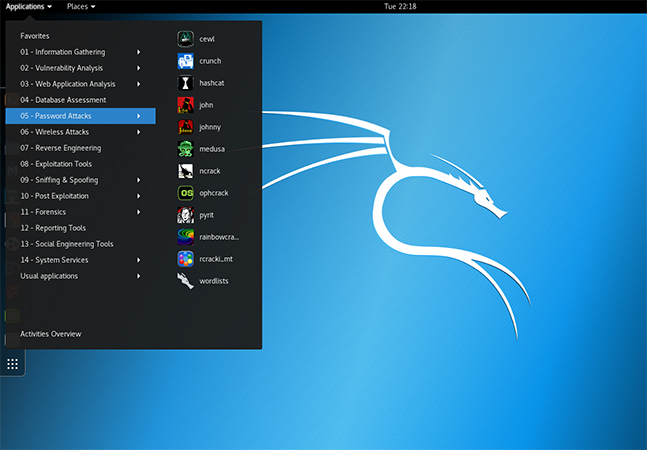
> Thats it you are done, Now Kali linux gets installed in your android and you can enjoy the dummy hacking environment in your android.
>Now After downloading and installing it launch the app in your device and there tap on download button.
> Now there tap on Distribution option and change it to Kali Linux instead of Linux.
>Now scroll up and click on the Install button at the top of there.
>Now wait for the download to complete time taken can be vary depending upon your internet speed.
> Now download and install VNC Viewer App in your android from the Play Store.
> Now launch the app and fill up the settings as displayed on the screenshot below.
>Now click on Connect button there.
> Thats it you are done, Now Kali linux gets installed in your android and you can enjoy the dummy hacking environment in your android.


Comments
Post a Comment